AI footage search inside professional editing software
Jumper connects searchable media analysis to the editing applications professionals already use, reducing the need to leave the edit to locate a shot or spoken moment.
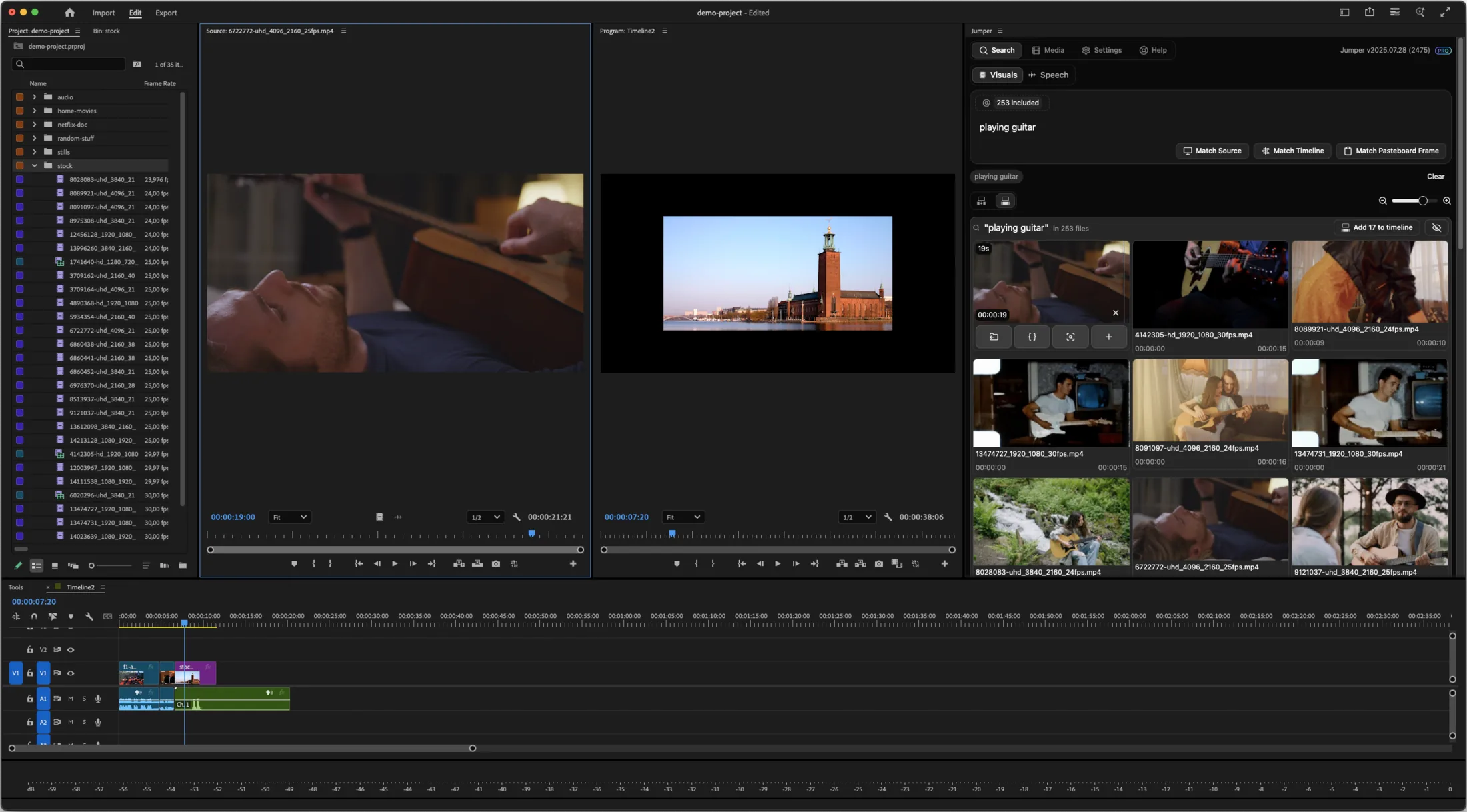
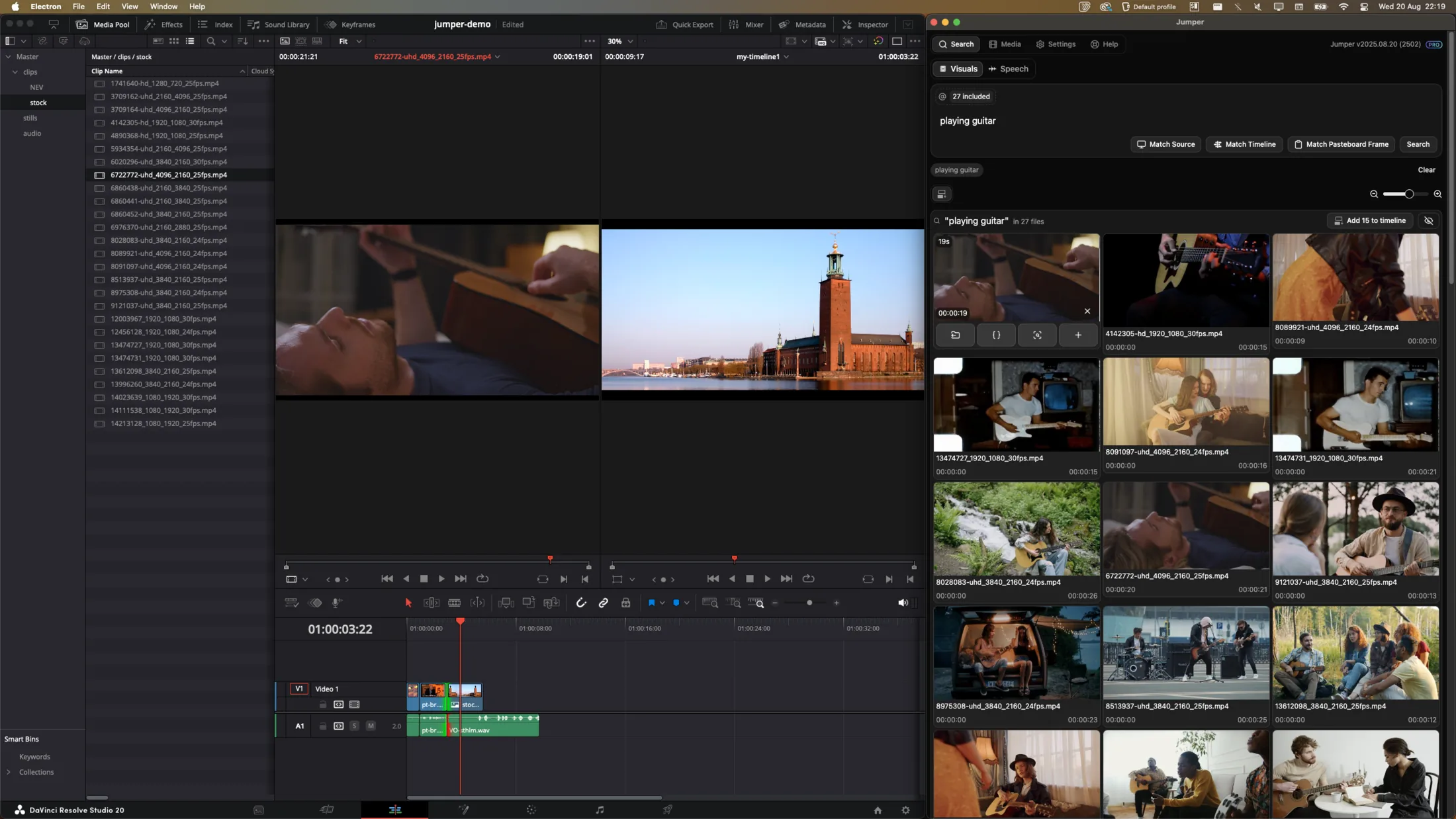
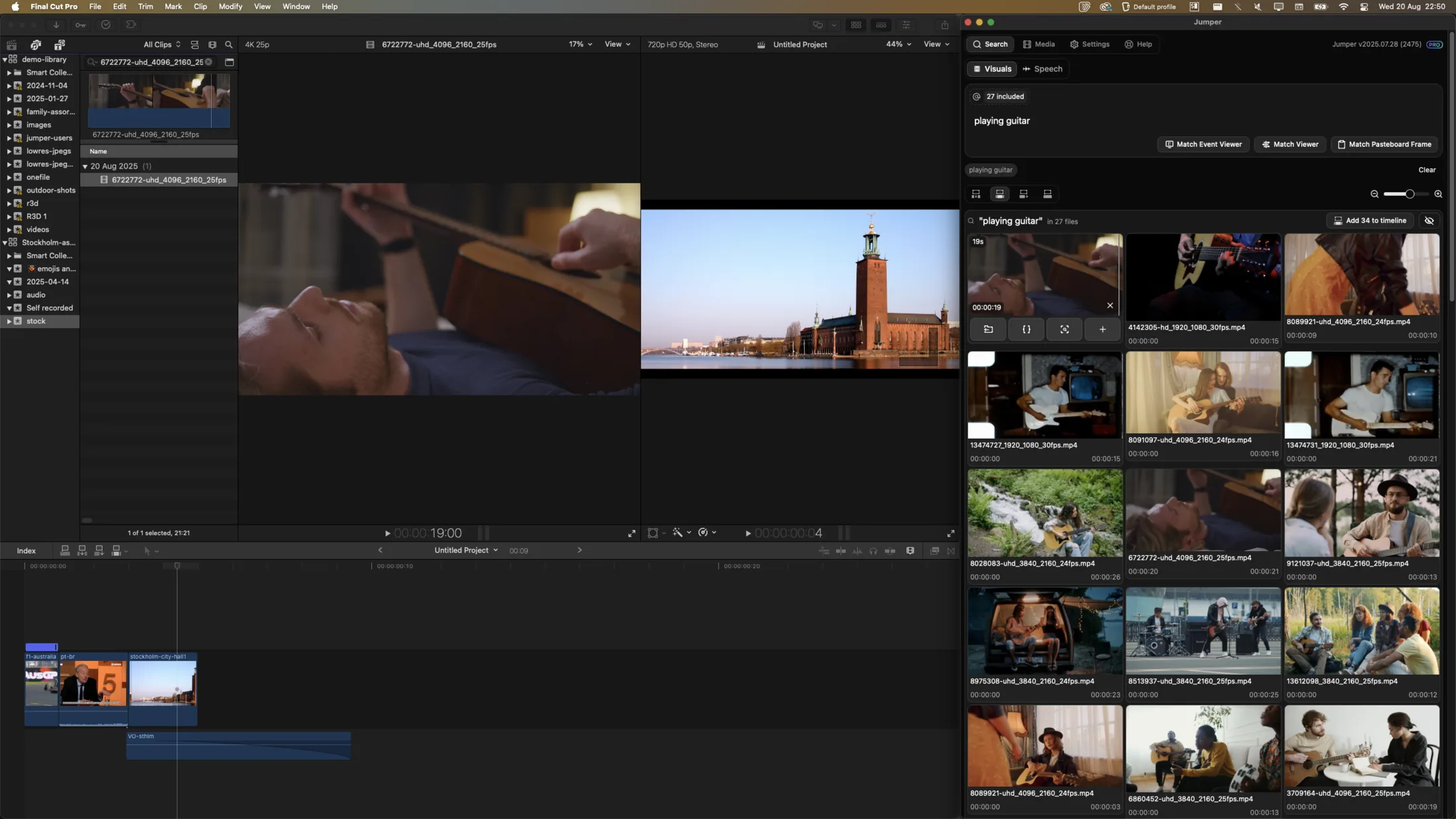
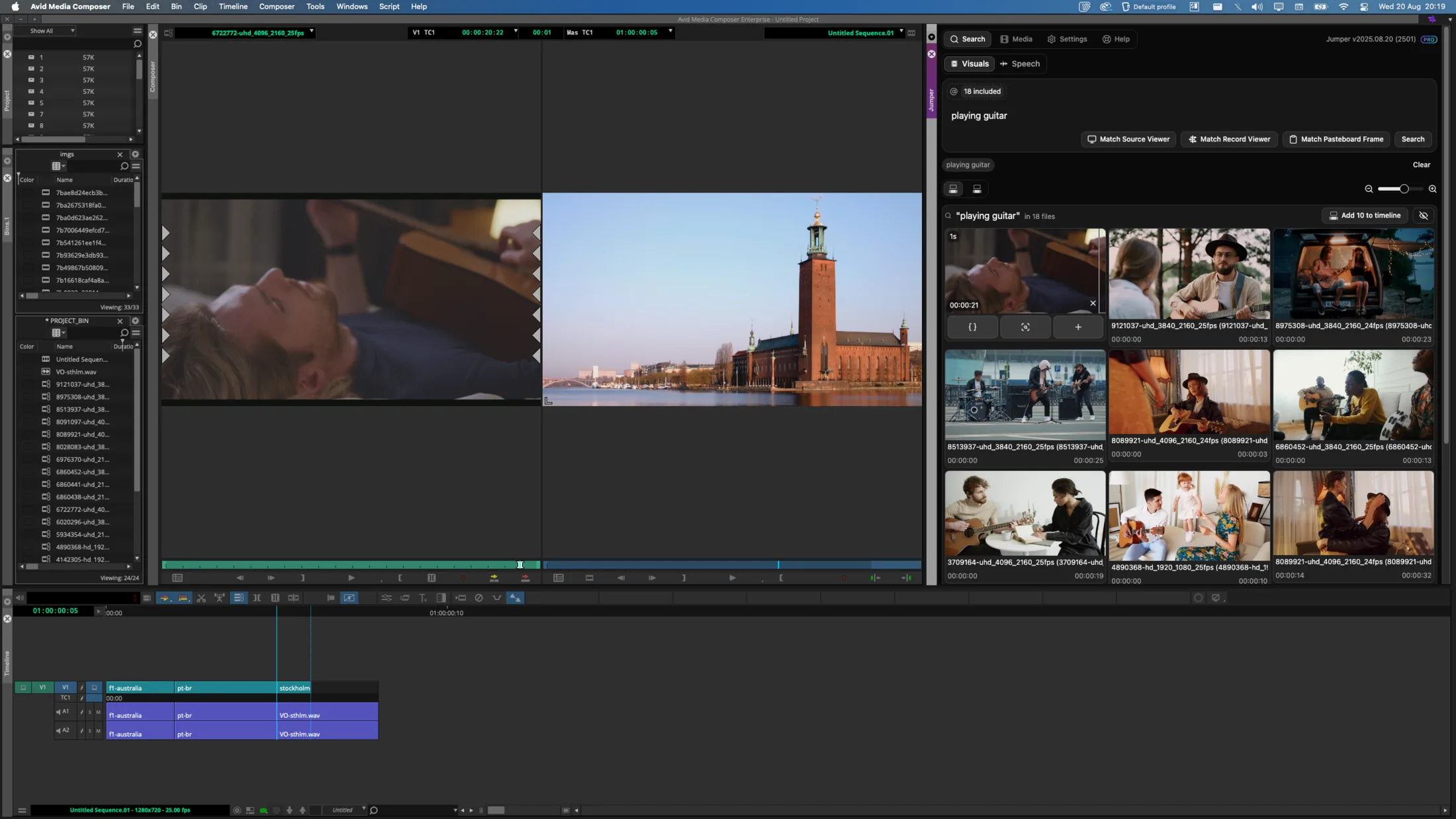
NLE Integrations in Jumper
Jumper is AI footage-search software for Adobe Premiere Pro, Final Cut Pro, DaVinci Resolve, and Avid Media Composer. Editors can also analyze, search, and manage media in the standalone Jumper application on macOS and Windows.
Fully integrated with your editing software
Jumper provides fully integrated plugins for four professional video editing applications. Search visual content, speech, and people while staying connected to the editing workflow you already use.
 Adobe Premiere Pro
 DaVinci Resolve
 Final Cut Pro
 Avid Media Composer
How it works
- 01
Work in the NLE or standalone app
Choose the Jumper interface that fits the project and prepare the media that needs to be searchable.
- 02
Search analyzed footage
Use visual, speech, or people search to locate source moments across the relevant media.
- 03
Continue the edit
Review the source result and use it in the connected professional editing workflow.
Guides and documentation
Related workflows
More features
Visual Search
Jumper turns your footage into a searchable visual library. Type a natural-language description and jump directly to matching moments across your media.
Speech Search
Jumper makes interviews, dialogue, speeches, and archive recordings searchable, so editors can find the right quote without listening through every clip.
Face Recognition
Jumper detects and groups recurring faces across analyzed media, helping editors locate cast members, interview subjects, speakers, and other people without manual logging.
Script Editor
Jumper’s Script Editor gives editors a transcript-first workspace for reviewing dialogue, selecting useful ranges, and shaping a cut before working through the timeline.
Questions
Which video editing applications does Jumper support?
Jumper supports Adobe Premiere Pro, Final Cut Pro, DaVinci Resolve, and Avid Media Composer.
Can Jumper run outside an editing application?
Yes. The Jumper standalone application can analyze, search, and manage media before or outside an NLE project.
Which operating systems does Jumper support?
Jumper is available for macOS and Windows.